One memory, used in both directions
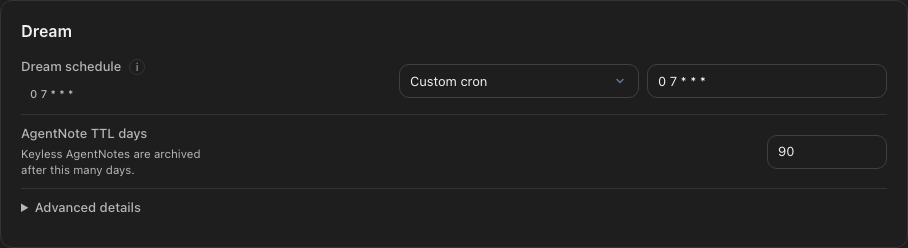
The noh CLI gives an LLM agent access to the same memory that appears in the desktop app. The agent can begin with Core, use relevant noh while working, and leave new learning as a note. The next Dream can distill that note into noh, so the human and the agent improve one shared memory instead of maintaining separate context.
- Enable the noh CLI in Settings.
- Install the bundled skill for Claude Code or Codex CLI.
- Start the agent and ask it to read Core before the conversation.
- Ask the agent to save durable learning with
noh put. - Keep nohmitaina running for the next scheduled Dream, which can extract and organize new noh.
Enable the noh CLI
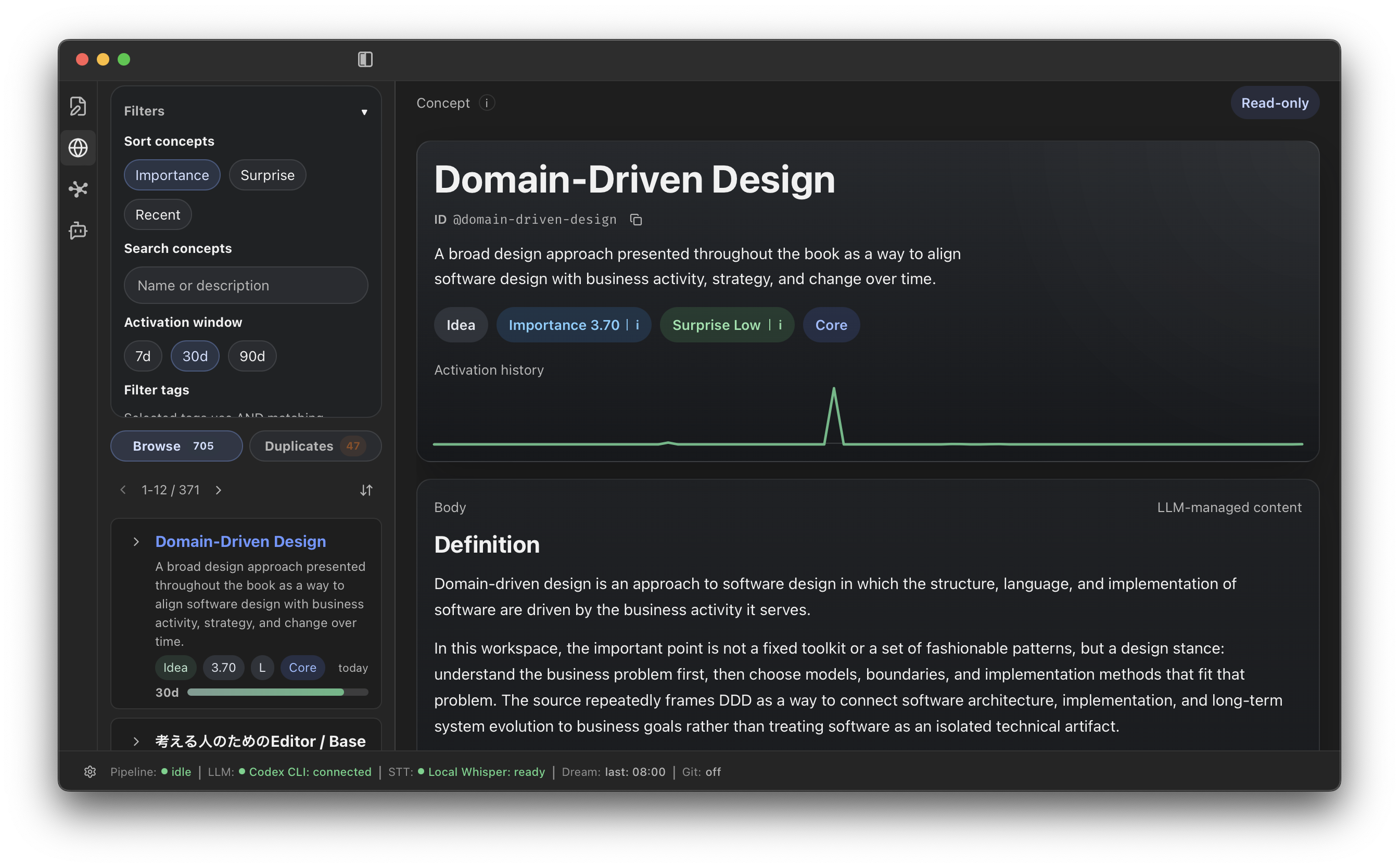
Open Settings and choose Enable CLI. nohmitaina installs its bundled CLI and configures the PATH entry for Bash and Zsh. Open a new terminal afterward. For another shell, add the bin directory shown in Settings to that shell’s PATH manually.
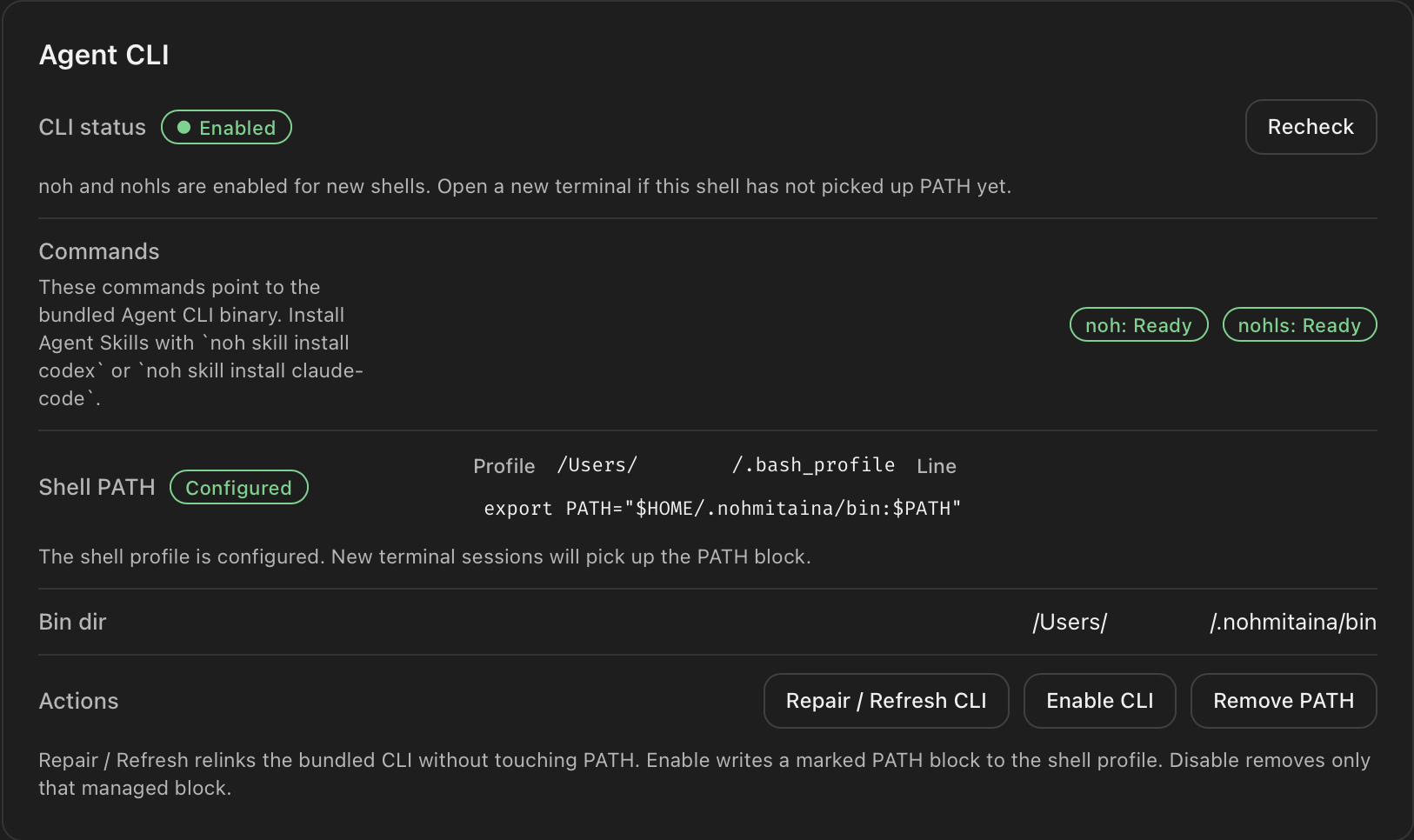
noh: Ready, nohls: Ready, and a configured shell PATH mean the CLI is ready for a new terminal.Know which command to use
The installed Skill can choose these commands for an AI agent. This table is also useful when you want to run one directly.
| Command | What it does |
|---|---|
noh | Open the CLI, run a subcommand, or show help. |
nohls | Run noh ls through its compact alias. |
noh core | Load the frequently used Concepts in Core. |
noh recall | Find memory related to the supplied text. |
noh ls | List Concepts, notes, web clips, or notes saved by noh CLI. |
noh cat | Read one Concept, note, or note saved by noh CLI. |
noh link | List relationships around a Concept. |
noh tree | Show Concept relationships as a tree. |
noh score | Show the score of a Concept. |
noh put | Save durable learning as a note written through noh CLI. |
noh rm | Remove a keyed note saved by noh CLI. |
noh skill install | Install the bundled agent Skill. |
Dream is not a CLI command. It runs in the app and distills pending notes from noh put into Concepts at the scheduled time.
Install the agent skill
Install the bundled skill once for the agent you use. The skill teaches the agent when to read noh and how to return useful learning without requiring the command syntax in every prompt.
# Codex CLI
noh skill install codex

# Claude Code
noh skill install claude-codeStart Claude Code or Codex CLI
Open a new terminal in the project where you want to work, then start the agent normally. A new terminal is necessary after PATH configuration so the shell can find noh.
# Claude Code
claude

# Codex CLI
codex
If the agent does not recognize noh, confirm noh --help in the same terminal and restart the agent after the skill is installed.
Read, talk, and write back
Begin with a direct request. The skill can translate the intent into noh core and noh put, so the conversation can stay focused on the work rather than CLI mechanics.
Read my Core from noh, then use it as context for this conversation.

When we finish, save the decisions and durable learning back to noh with noh put. Include references to the noh we used.
For example, the agent can read Core before a design discussion, keep the agreed constraint as a note, and cite related noh. The note is available immediately. While nohmitaina is running, the next scheduled Dream processes pending notes, extracts Concepts, removes overlap, recalculates scores, and keeps noh organized.
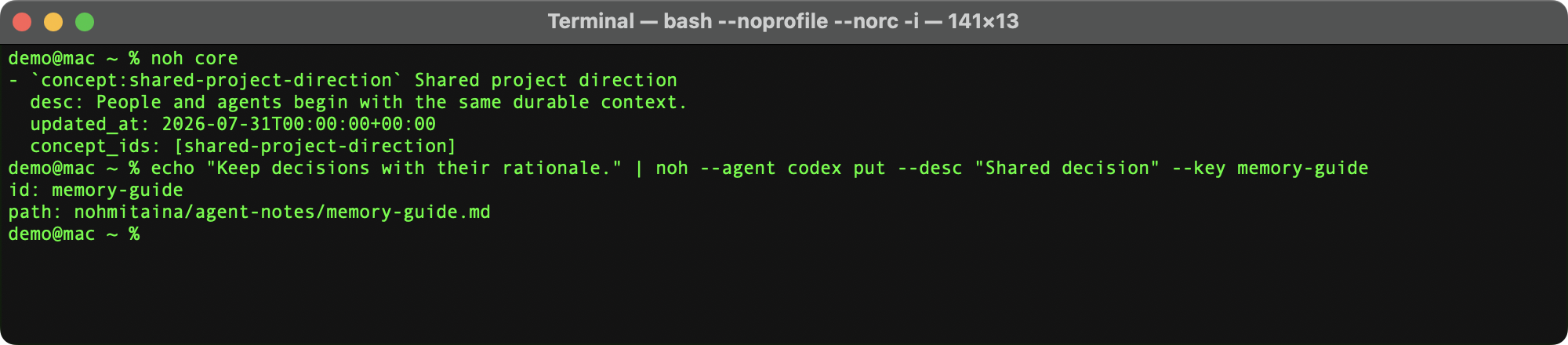
noh core and returns durable learning with noh put.